Changelog

Alex Rivera
Founder & CEO

What’s new
We’ve added a full library of intelligent Slack ↔ Linear workflows. These are not simple zaps — they understand context, set priorities, assign owners, and even draft descriptions based on conversation history.
Key templates included
Slack @mention → Auto-create Linear task with correct priority and assignee
Linear status change → Real-time summary posted in the right Slack channel
New bug report in Slack → Immediate Linear issue + escalation path
Example workflow (ready to copy)
How to activate
Go to Workflows → Templates → choose any template → click Activate.

Sarah Chen
Head of Product
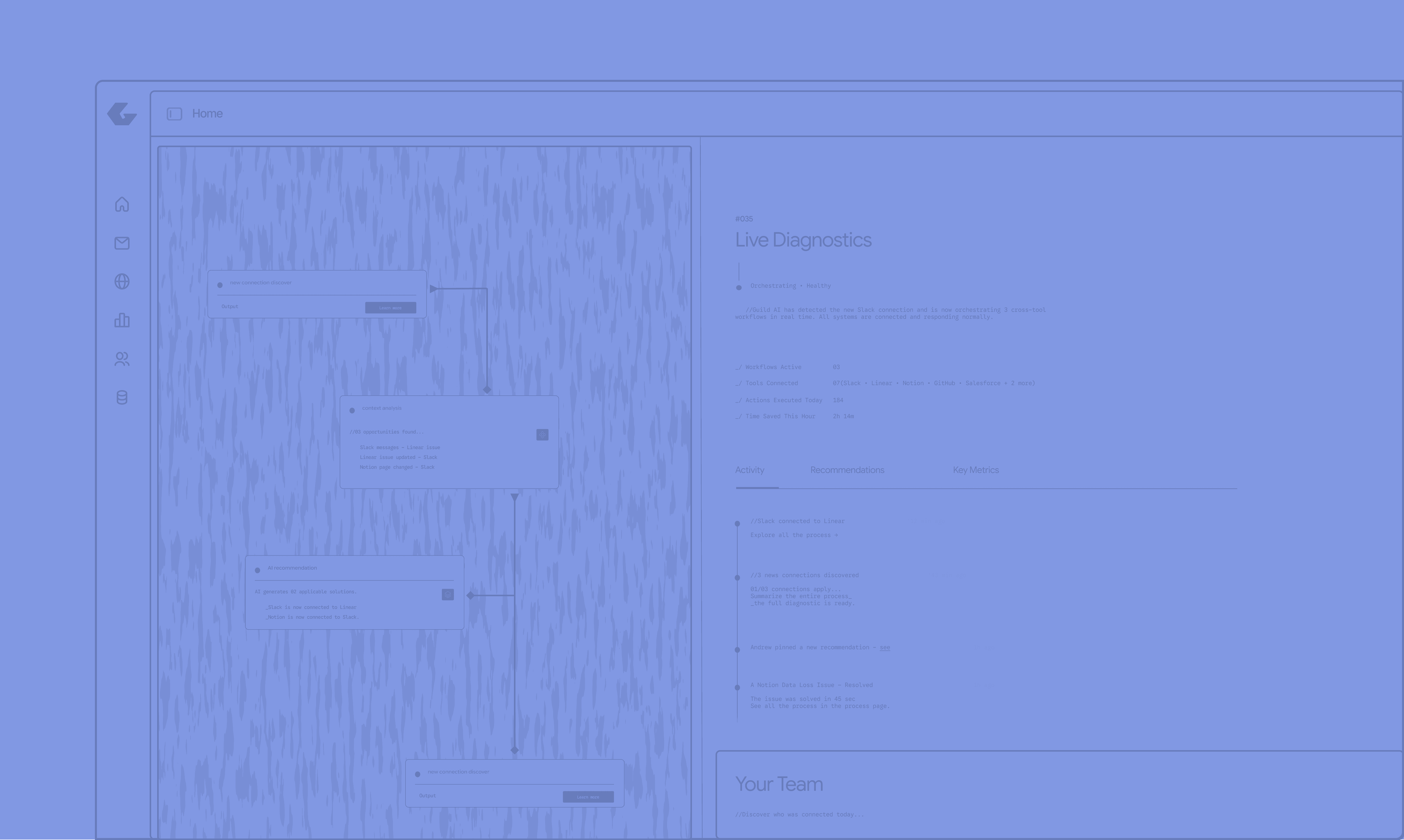
Performance improvements
The entire synchronization engine has been rewritten for speed and reliability.
What changed
Average sync time dropped from 2.1s → 800ms
Large workspaces (Notion, GitHub, Salesforce) now load 3× faster
Better handling of high-frequency updates (Slack messages, Linear comments)
Technical details
Impact for you
You’ll notice buttery-smooth updates when switching between tools
and when using the cross-system AI assistant.

Maya Patel
Lead Engineer
Biggest upgrade yet
The cross-system AI assistant is now truly agentic.
You can speak naturally and it will plan + execute complex operations across your entire stack.
New capabilities
Create tasks, update records, send messages
Run multi-step workflows with confirmation
Understand context from multiple tools at once
Examples you can try today
How it works under the hood
The AI first builds a plan across all connected tools, asks for confirmation
if needed, then executes safely.